How to Schedule Your Email Newsletter in Mailchimp
This video walks you through scheduling your email newsletter in Mailchimp, from choosing your send date and time to confirming your scheduled campaign. 2 minutes 15 seconds Play Video
How To Send a Test Email in Mailchimp
Want to see how your email newsletter looks in your own inbox before sending it to clients? This quick video walks you through sending a test email in Mailchimp so…
Understanding Preview Mode in Mailchimp
Your Ready To Go newsletter is professionally formatted and ready to use as provided. This quick video explains when Preview Mode is helpful, especially if you’ve made changes to your…
Creating Your Mailchimp Account
Ready to connect your Ready To Go email newsletters to Mailchimp? This step-by-step guide walks you through creating your Mailchimp account, notifying us when you’re ready, accepting our admin request,…
Inserting An Image Into Your Email Newsletter
Make your email newsletter your own by adding your own images. In this step-by-step tutorial, we’ll show you how to insert and replace images in your Mailchimp newsletter, helping you…
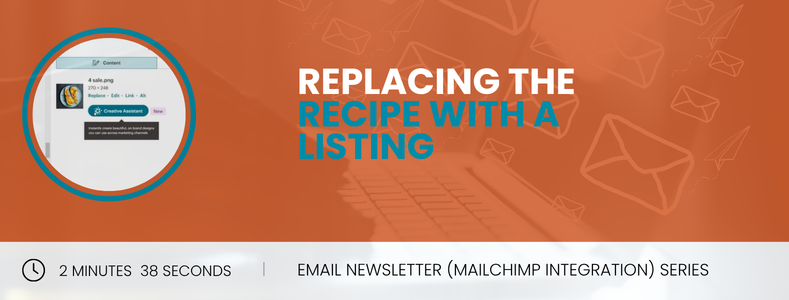
Replacing the Recipe with a Listing
Want to feature one of your listings instead of the monthly recipe? In this step-by-step tutorial, we’ll show you how to replace the recipe section with a real estate listing…
Editing Your Email Newsletter in Mailchimp
This step-by-step tutorial will show you how to edit your Ready To Go email newsletter in Mailchimp, making it easy to personalize your content before sending it to your subscribers.…
Where To Find, Preview and Send Your Email Newsletter
Learn how to access and send your Ready To Go email newsletter in Mailchimp. In this step-by-step tutorial, we’ll show you where to find your monthly newsletter, preview it before…
Connect Your Ready To Go Email Newsletter to Mailchimp
In this video, we’ll show you how to connect your Mailchimp so your monthly email newsletter can be pushed into it. 4 minutes 48 seconds Play Video